Download Instagram Video
Tool to download Instagram videos in high quality right on the browser
Why should you choose SaveIG?
SaveIG is the ideal tool to download Instagram videos in the sharpest quality: HD 1080p, 2K, and 4K (depending on original quality). The tool works directly in your web browser, allowing you to save content quickly and easily in seconds without installing any software. All downloaded videos maintain their original resolution and sound, and the service is completely free with no account required or download limits.
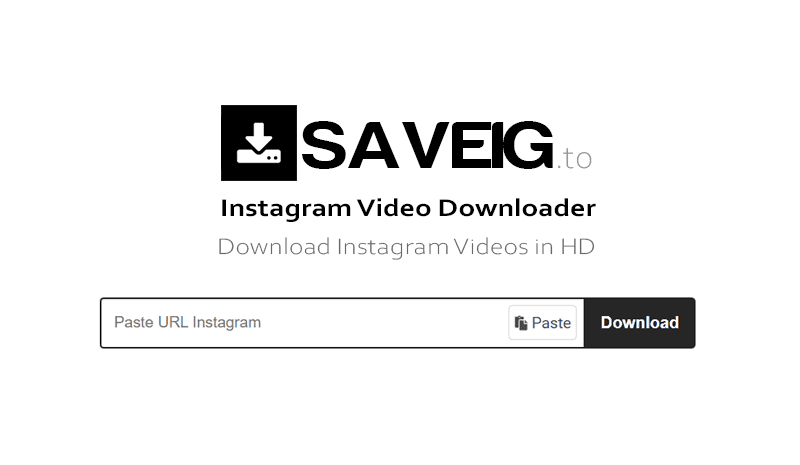
How to download video from Instagram?
Step 1: Open the Instagram app, click the Share icon under the video, and select Copy link.
Step 2: Go to SaveIG.to using any web browser (Chrome, Safari, Firefox, etc.).
Step 3: Paste the copied link into the input box and press the Download button.
Step 4: Once the video appears, click Download Video to save it to your device instantly.
Key Features of SaveIG
- Download Instagram videos with high quality: HD 1080p, 2K, 4K.
- Download Reels, Story, and Highlights easily with just one click.
- Support downloading posts and profiles from private Instagram accounts anonymously.
- Fast processing speed, works directly in the browser without software installation.
- Compatible with all devices: PC, Mac, iPhone, and Android.
- Unlimited downloads, 100% free, and no account registration required.
SaveIG - The best Instagram downloader today
With SaveIG.to, you can:
- ✅ Download any content on Instagram: Videos, Photos, Reels, Stories, and IGTV from both public and private accounts.
- ✅ Allows you to choose the size and quality of photos/videos to suit your specific needs.
- ✅ Completely anonymous, we do not save any of your personal information or download history.
- ✅ Use the web version for quick convenience, and the App version for long-term, stable use.
- ✅ Global high-bandwidth CDN network ensures lightning-fast downloads (only 3-5 seconds).
Important Note on Content Copyright
- SaveIG.to has no official affiliation with Instagram or Meta Platforms, Inc.
- This tool is for personal use only, assisting in offline storage and non-commercial purposes.
- Do not edit, reuse, or redistribute content without the explicit permission of the owner.
- Respecting copyright is mandatory; users are solely responsible for any reuse and must comply with legal regulations to avoid risks.
SaveIG.to is a supportive tool designed to help users easily download their own uploaded content or publicly shared posts. All content is downloaded directly from Instagram servers to your device; we do not store any of your data.
Read the detailed terms of service 👉here👈